FF Amazon Features Guide for Android Users

FF Amazon Features Guide for Android Users

Many users search for FF Amazon because they want more than a file. They also want to know what kind of gameplay, controls, and mobile experience they should expect after installation.

This guide focuses on the practical side of the app. For the full page overview, FF Amazon APK for Android gives you the main summary, setup context, and direct access point from our website.

Short Match Structure

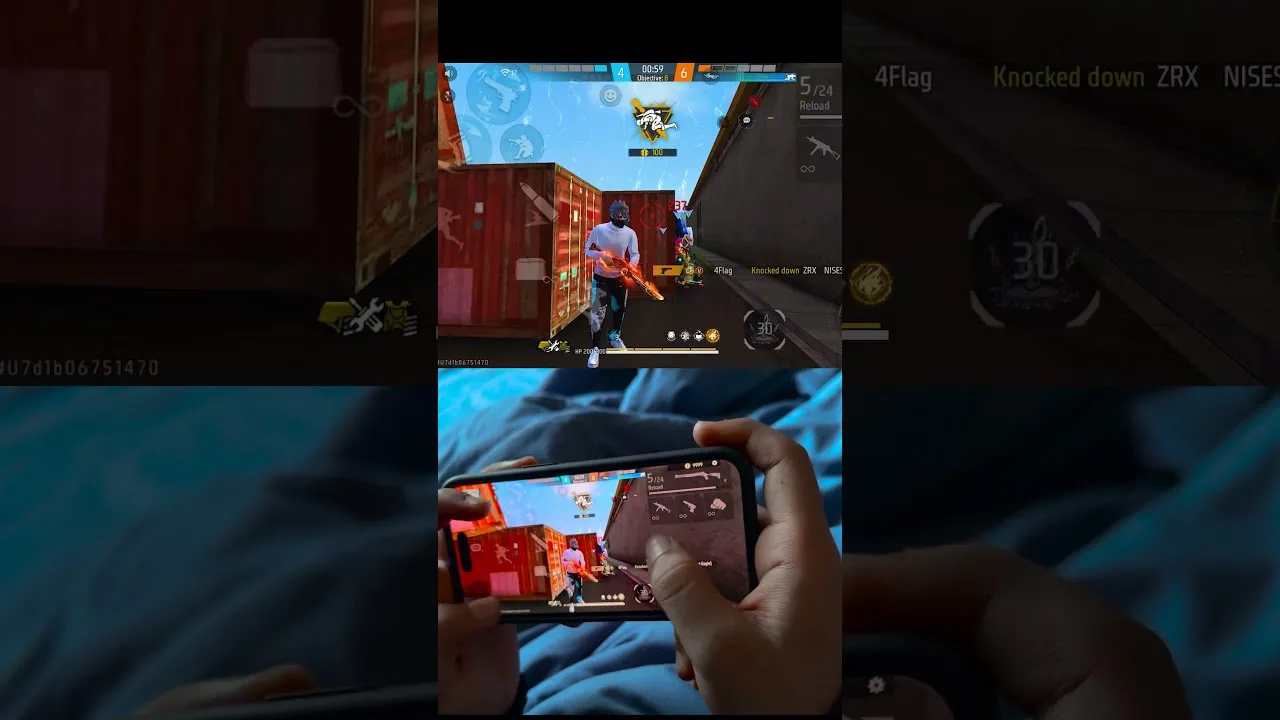
One of the most important features associated with FF Amazon is the quick match format. Players can jump into a round, gather gear, rotate through the map, and finish a session without needing a long block of time.

That matters to mobile users who play in short breaks rather than extended desktop-style sessions.

Battle Royale Core Loop

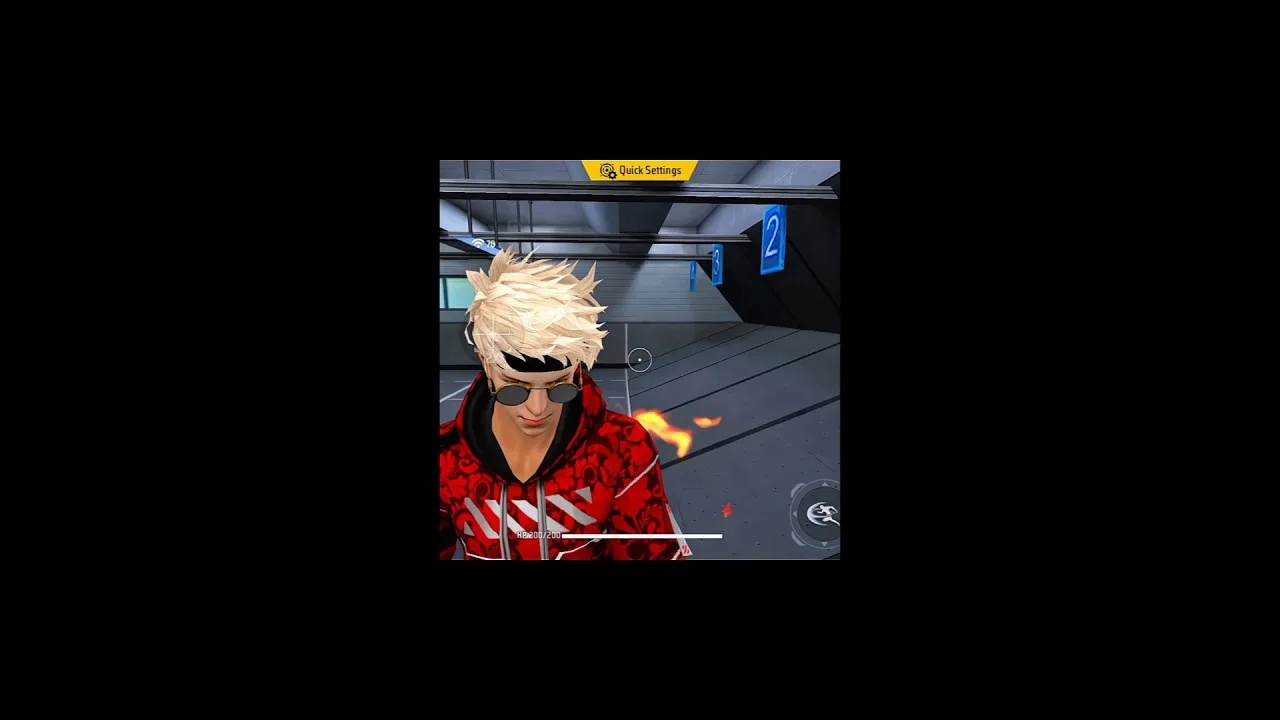
The main gameplay pattern stays rooted in landing, looting, surviving, and reacting to zone pressure. This is the feature set most users expect when they search for a Free Fire-related APK build.

Because of that, players often compare versions based on how smooth this basic loop feels on their device.

Touch Controls and Mobile Layout

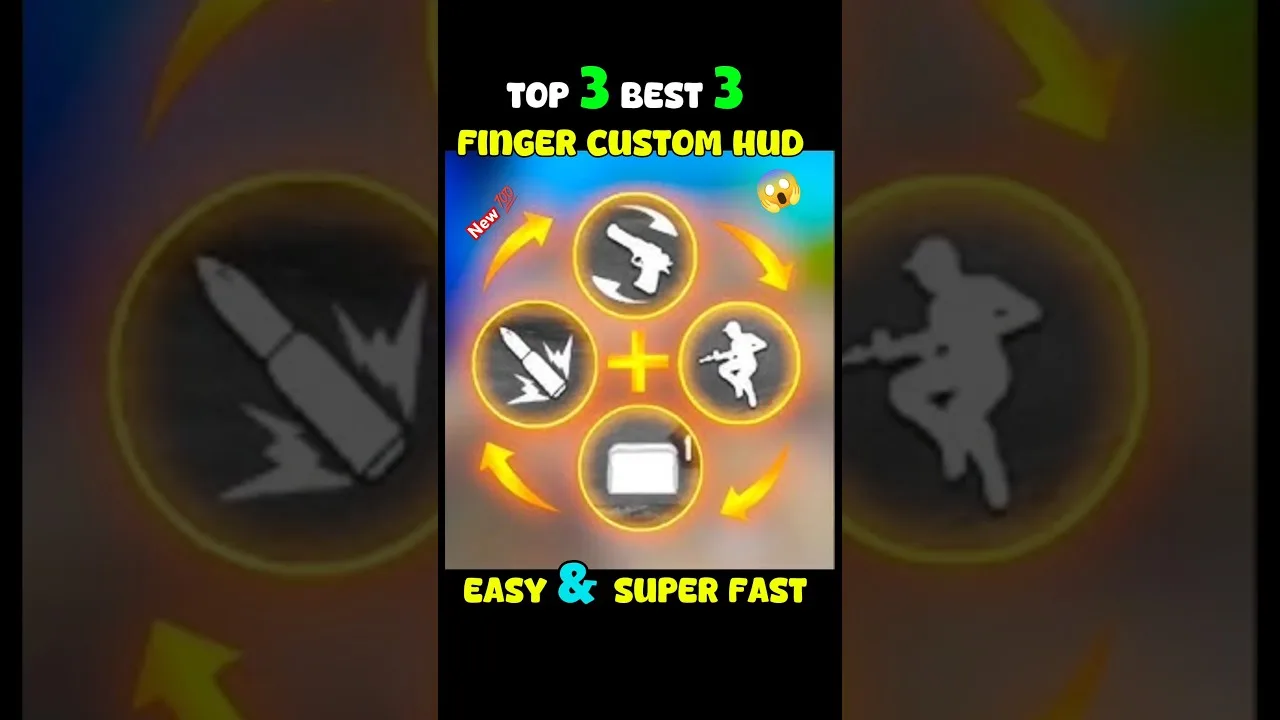
FF Amazon is generally tied to on-screen controls built for Android phones and tablets. Button layout, movement response, and quick access to actions all matter because mobile users depend on fast touch input during combat.

If you want to improve the setup side along with controls, the how to install FF Amazon on Android guide can help you start with a cleaner first-time setup.

Team Play and Match Coordination

Another major feature area is squad-based play. Players often want to join friends, coordinate movement, and handle fights with roles that feel more organized than solo-only action.

This social side keeps the app relevant for users who want both quick matches and cooperative gameplay on mobile.

Update and Event Interest

A lot of search demand comes from players who want current content, event rotations, or refreshed gameplay cycles. New interest usually grows when users expect seasonal changes or want the latest available build context.

If performance during those sessions matters to you, check the best ways to use FF Amazon on Android guide for practical use tips after installation.

Final Thoughts

FF Amazon draws attention because it combines a familiar battle royale loop with mobile-focused controls, team play, and short-session pacing. For Android users, those features are usually the main reasons the topic stays active in search and installation discussions.

Ready to get started?

Download APK

Related Articles

FF Amazon Sensitivity Settings Guide

FF Amazon Sensitivity Settings Guide

Learn how FF Amazon sensitivity settings work, how to tune camera and aim values step by step, and how to test changes properly in training mode today.

Read More
How to Update FF Amazon to the Latest Version

How to Update FF Amazon to the Latest Version

Update FF Amazon safely with this step-by-step guide covering backups, storage checks, installing the new build, and confirming the update worked every time.

Read More
FF Amazon Controls and HUD Layout Tips

FF Amazon Controls and HUD Layout Tips

Improve your FF Amazon controls with practical HUD layout tips covering button size, placement, claw grips, and testing layouts in practice sessions daily.

Read More
FF Amazon Performance Tips for Low-End Phones

FF Amazon Performance Tips for Low-End Phones

Make FF Amazon run smoother on low-end phones with practical tips for graphics, storage, background apps, heat, and steadier frame rates in matches easily.

Read More
FF Amazon Graphics Settings Explained

FF Amazon Graphics Settings Explained

Understand every FF Amazon graphics option, from presets and frame rate to shadows and textures, and choose settings that match your phone and style well.

Read More
FF Amazon Account Setup and Login Guide

FF Amazon Account Setup and Login Guide

Set up your FF Amazon account and sign in smoothly with this guide to sign-in methods, recovery details, guest play limits, and keeping access secure.

Read More
FF Amazon Training Mode Practice Guide

FF Amazon Training Mode Practice Guide

Use FF Amazon training mode with purpose using structured drills for aim, movement, recoil control, and settings tests that carry into real matches daily.

Read More
FF Amazon Squad Play Tips for Beginners

FF Amazon Squad Play Tips for Beginners

Play better in FF Amazon squads with beginner tips on roles, callouts, landing together, sharing loot, revives, and rotating as a team in every match.

Read More
FF Amazon vs Regular Free Fire: What Changes

FF Amazon vs Regular Free Fire: What Changes

Compare FF Amazon with regular Free Fire across installation, device needs, updates, settings, and everyday play to see what actually changes for you.

Read More
FF Amazon Storage and Cache Management Guide

FF Amazon Storage and Cache Management Guide

Manage FF Amazon storage with confidence using this guide to installer files, cache, downloaded resources, and safe ways to free space on Android with ease.

Read More
FF Amazon Battery Saving Tips for Longer Sessions

FF Amazon Battery Saving Tips for Longer Sessions

Extend your FF Amazon sessions with battery tips covering brightness, graphics, background apps, network choices, and charging habits that protect cells.

Read More
How to Fix Lag in FF Amazon on Android

How to Fix Lag in FF Amazon on Android

Fix lag in FF Amazon on Android by separating network delay from device stutter, then applying the right fixes for ping, frame drops, and heat on any phone.

Read More
FF Amazon Beginner Guide: Getting Started

FF Amazon Beginner Guide: Getting Started

Start FF Amazon the right way with this beginner guide covering first settings, first matches, training habits, and the mistakes to skip in week one fast.

Read More
FF Amazon Common Setup Mistakes to Avoid

FF Amazon Common Setup Mistakes to Avoid

Avoid the FF Amazon setup mistakes that cause most beginner problems, from skipped backups and wrong permissions to copied settings and full storage today.

Read More
How to Install FF Amazon on Android

How to Install FF Amazon on Android

Learn how to install FF Amazon on Android with clear download, permission, and setup steps for a smooth first launch.

Read More
FF Amazon Device Compatibility Guide

FF Amazon Device Compatibility Guide

See which devices may run FF Amazon, including Android phones, tablets, TV-based hardware, and emulator-style setups.

Read More
FF Amazon Main Sections Guide

FF Amazon Main Sections Guide

Understand the main gameplay sections linked with FF Amazon, from battle royale matches and squad play to weapons, events, and settings.

Read More
FF Amazon Not Working Common Problems and Fixes

FF Amazon Not Working Common Problems and Fixes

Fix common FF Amazon issues such as failed installs, launch problems, low storage, permission errors, and unstable performance.

Read More
Best Ways to Use FF Amazon on Android

Best Ways to Use FF Amazon on Android

Discover the best ways to use FF Amazon on Android with practical tips for setup, performance, controls, and smoother everyday play.

Read More
Hannah Kim, Lead APK Reviewer

Lead APK Reviewer

Hannah Kim

Hannah Kim is the lead APK reviewer at FF Amazon. She installs and tests every build on real Android phones before any download button goes live, checking installation, permissions, and how large packages behave on different hardware.

More about Hannah Kim →